Environment Variables
This module helps users create and manage environments such as QA, Prod, UAT, or Staging based on team workflow.
Step 1: Open Environment Variables
From the left navigation, click Environment Variables.
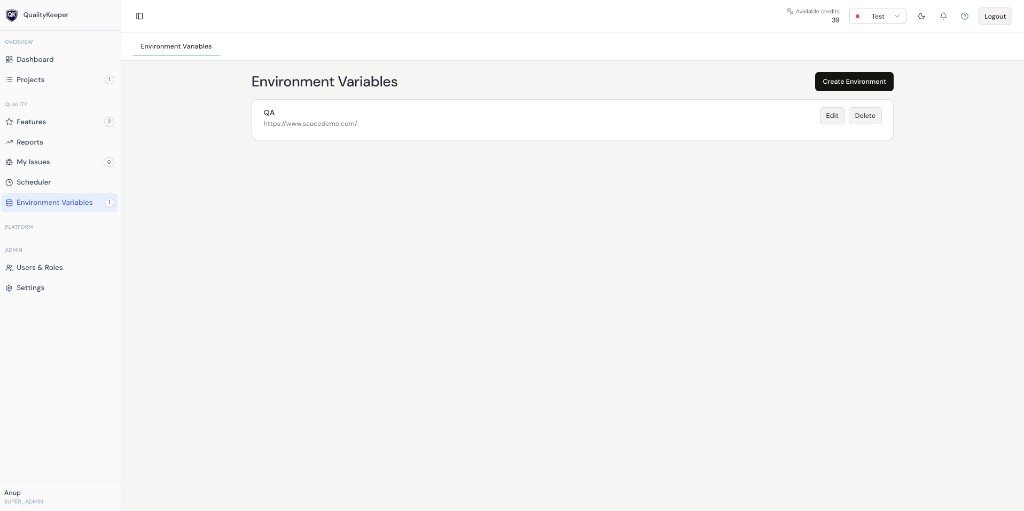
Environment Variables page with environment list and Create Environment action.
Step 2: Understand the default QA environment
When a new project is created, a QA environment is created by default.
Step 3: Use environments in test execution
You can define key/value variables per environment and reuse them across test steps.